
P2P File Sharing: Send Files with One Link, No Upload
Pick your files, copy the share link, and anyone who opens it downloads straight from your browser, encrypted end to end. No server storage, no size cap, no account. Links stay valid for 2 days while your tab is open.
How to Share Files with a P2P Link
Pick Your Files
Drag and drop one file or several. Any type works, and nothing uploads, files are ready instantly.
Copy the Share Link
One click gives you a private link with random words in it, practically impossible to guess. Send it over chat or email and keep your tab open.
They Open, They Download
Everyone who opens the link sees the file list with live progress, then a Download button per file. One link works for as many receivers as you want, for up to 2 days.
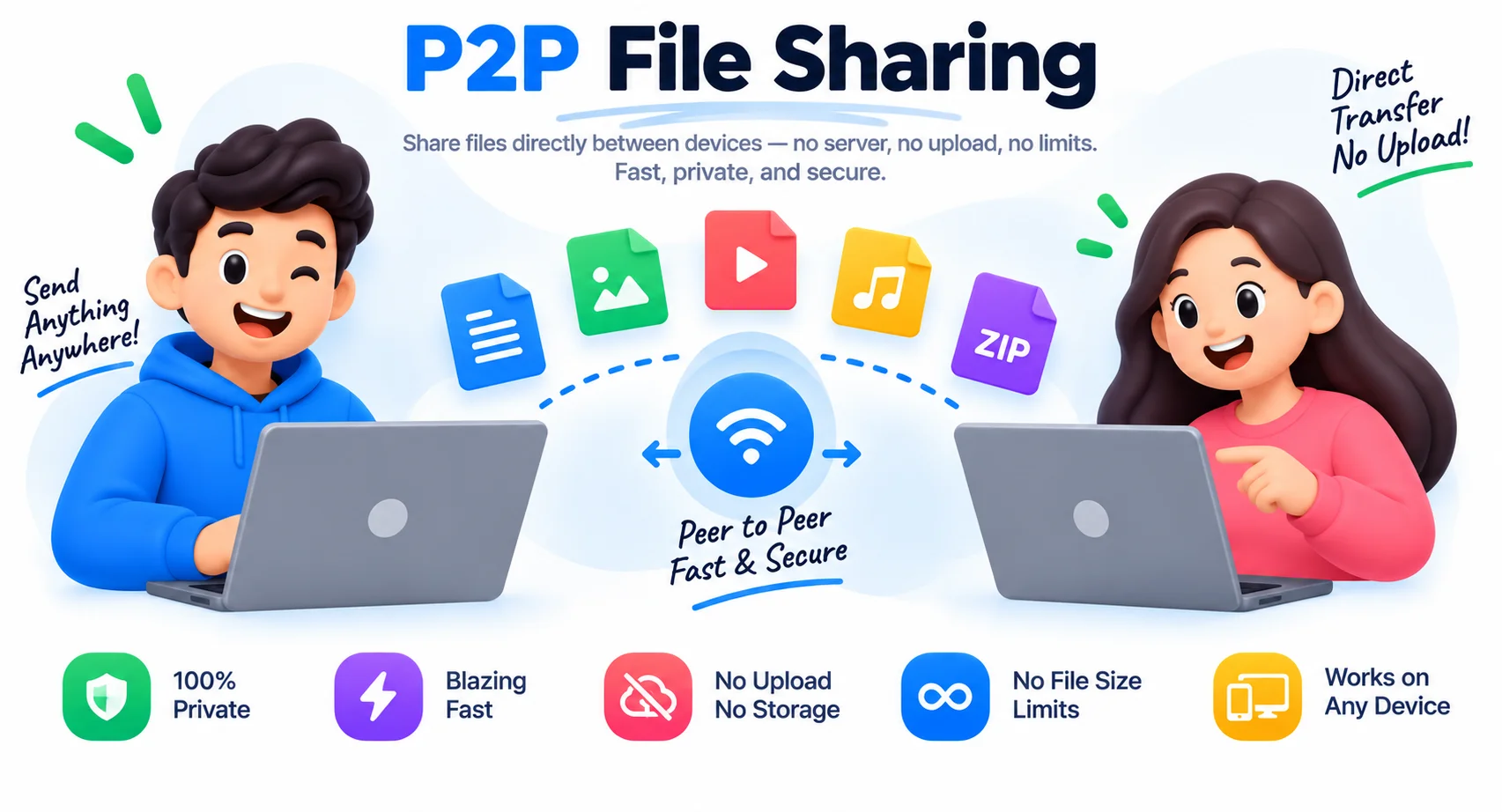
Your Files Never Sit on Anyone's Server
Every normal file-sharing service works the same way: you upload, they store, the receiver downloads. Your file sits on someone’s server, subject to their retention policy, their security, and their size limits. P2P sharing removes the middle entirely. Your browser opens an encrypted connection straight to the receiver’s browser and streams the file across, chunk by chunk, while both sides watch the progress live.
A tiny handshake service introduces the two browsers to each other once, and it never sees your files. After that, bytes flow device to device with the strong encryption browsers apply to direct connections. The design has practical consequences: no size cap because there is no storage to fill, one link that serves every receiver you send it to, and automatic expiry after 2 days because the link itself carries its creation time. The one rule is that your tab stays open while people download, the file lives only on your machine, so your browser is the server.
Need to prepare files before sending? Bundle a folder’s worth into one archive with the ZIP creator, or shrink photos with the image compressor and PDFs with the PDF compressor, smaller files transfer faster on slow connections. For quick text snippets between devices, SharePad does the same no-account trick for notes.
Why Use This P2P File Sharing Tool
No Server Storage, Ever
Files travel directly from your browser to the receiver's over an encrypted connection. No upload step, no cloud copy, nothing to expire or leak later.
No Real Size Limit
A 5 GB video is as valid as a 5 KB note. There is no storage quota because there is no storage, transfer time depends only on both connections.
One Link, Many Receivers
The same link serves every person you send it to while your tab stays open. Each receiver gets their own direct transfer with live progress.
Links Expire in 2 Days
Every link carries its creation time and stops working after 2 days, so an old link in a chat thread cannot come back to life later.
Unguessable Links
Links combine a timestamp, random digits, and four random words. Nobody stumbles into your share by guessing.
Receiver Stays in Control
Nothing saves automatically. Receivers see each file's name, size, and live progress, then click Download for the files they actually want.
Similar Tools
More File tools you might find useful.
Frequently Asked Questions
How do I share a file without uploading it anywhere?
Pick your files here, copy the share link, and send it to the receiver. When they open it, their browser connects directly to yours and the files stream across encrypted, with live progress and a Download button per file. No upload happens at any point, your browser is the source.
Can multiple people use the same share link?
Yes. While your tab stays open, every person who opens the link gets their own direct transfer from your browser. Send it to one person or a group chat, each receiver downloads independently, and your side shows how many receivers have been served.
How long does the share link work?
Up to 2 days, and only while your tab is open. The link carries its creation time, so anyone opening it after 2 days sees an expired message. Closing your tab ends the share immediately, since the files stream live from your device.
What happens if I close my tab during a transfer?
The transfer stops and the receiver sees a clear message that your device went offline. Nothing partial is saved on their side and nothing remains anywhere else, there is no server holding a copy. Reopen the page, pick the files again, and share a fresh link.
Are the files really not stored on a server?
Really. File bytes travel straight between the two browsers over an encrypted direct connection. A small handshake service introduces the browsers to each other, it exchanges connection details only and never sees file names or contents.
Is there a file size limit?
No fixed limit, because there is no storage quota to enforce. Multi-gigabyte transfers work; the practical ceiling is the receiving device's memory, since each file is assembled there before saving. For very large files, close other apps on the receiving device or send in parts.
Can someone guess my share link?
Practically no. Each link combines the creation timestamp, four random digits, and four random words from the link generator, the word part alone multiplies the possibilities into the millions. Combined with the 2-day expiry and the tab-open requirement, a guessed link is not a realistic risk.
What if the sender and receiver are on different networks?
It works as long as one side can reach the other directly, which covers most home and office Wi-Fi. If both devices sit behind networks that block direct connections, such as two phones on mobile data or a locked down office network, put both on the same Wi-Fi or a phone hotspot and try again. Files always travel straight between the two browsers, so a shared path between them has to exist.