
Keyword Density Checker
See which words and phrases dominate any page or text. Drop in a URL or paste content and get a live density report, with single, two, and three-word phrases, stop-word filtering, and a ranked breakdown. Free, no signup.
How to Check Keyword Density
Pick URL or Text
Choose From URL to analyze a live page, or Paste Text to check a draft.
Add Your Content
Enter the page URL and click Analyze, or paste your text and click Analyze.
Set the Filters
Switch between 1, 2, and 3-word phrases, set a minimum length, and toggle the stop-word filter.
Read the Breakdown
Review the ranked keywords with their count and density, and check nothing is over-used.
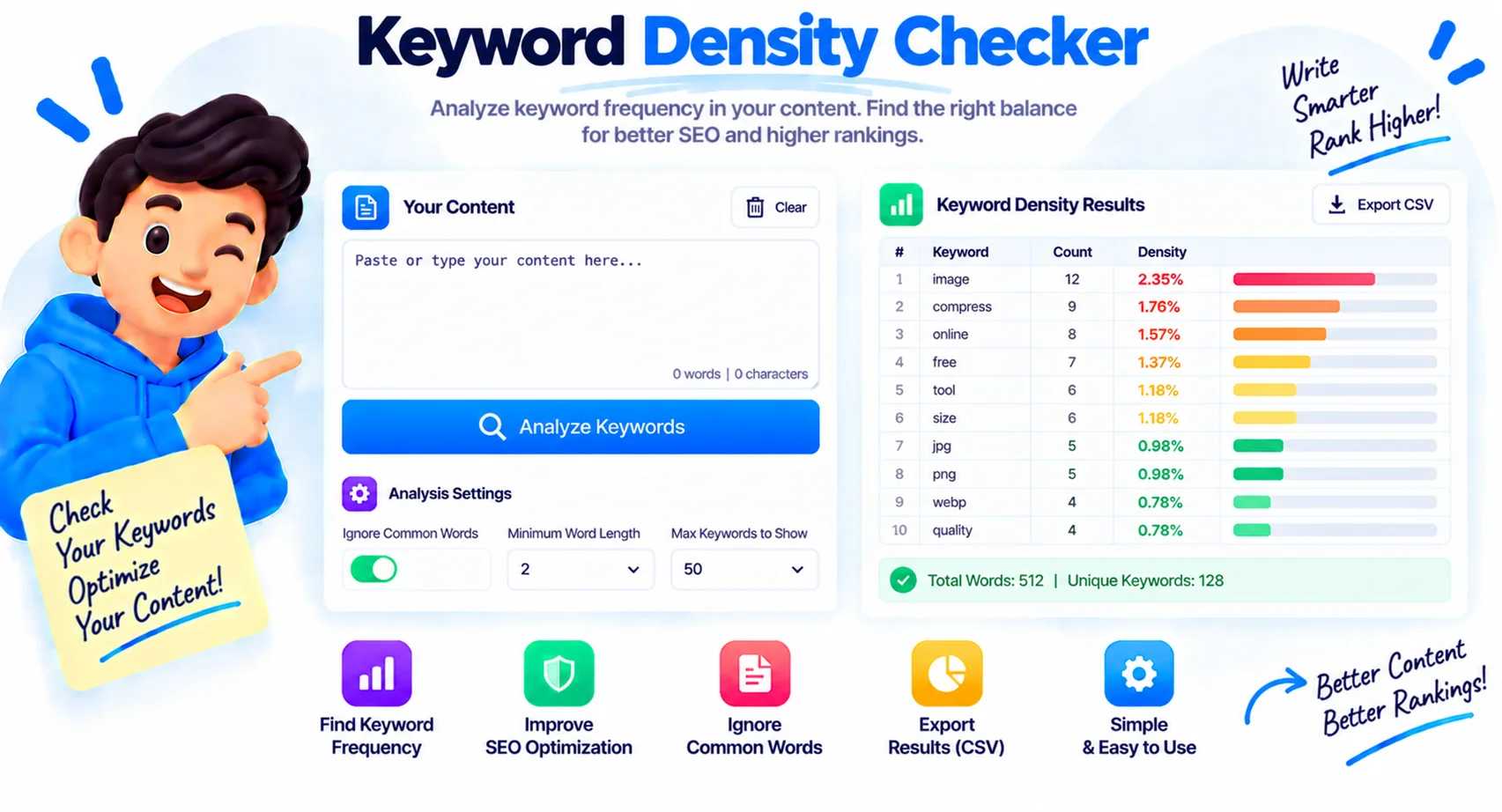
See Which Words Dominate Any Page
Keyword density tells you whether a page reads on-topic, drifts off-topic, or is accidentally optimized for the wrong term. This keyword density checker scans any URL or block of text and lists the top keywords with their count and density, so you can see at a glance what a page is really about.
What keyword density is
Keyword density is how often a word or phrase appears compared to the total number of words on the page. The formula is simple: divide the number of times the keyword appears by the total word count, then multiply by 100. If a 1,000-word article uses “running shoes” 15 times, that is a density of 1.5%. This tool does the math for every keyword and phrase automatically.
What is a good keyword density?
There is no magic number, and Google has never published one. Most SEOs treat 0.5% to 2.5% as a natural range for a primary keyword. The goal is not to hit a target, it is to avoid the two extremes.
| Density | What it usually means |
|---|---|
| Under 0.5% | The keyword is barely present; the page may read off-topic for it |
| 0.5% to 2.5% | A natural range for a primary keyword in normal writing |
| Over 3% | Starts to look forced, and high numbers risk reading as keyword stuffing |
Single words, two-word, and three-word phrases
One-word counts only tell half the story. Switch to 2-word and 3-word phrases to find the long-tail terms a page actually ranks for, like “running shoes” or “best running shoes for beginners.” The tool also filters out common stop words such as the, and, and of, and lets you set a minimum word length, so the results show the terms that carry meaning instead of filler.
Is keyword density still an SEO factor?
It is a minor one at most. Modern search engines understand topics and synonyms, so hitting a precise density will not rank a page on its own, and stuffing a keyword can hurt. Use this tool as a sanity check: confirm your target term appears enough to be clear, watch for accidental over-use, and otherwise write naturally for people. Density is a signal to read, not a score to chase.
Why Use Our Keyword Density Checker?
Check a URL or Text
Analyze any live page by URL, or paste a draft that is not published yet. Both work the same.
1, 2, and 3-Word Phrases
See single keywords plus two and three-word phrases to catch the long-tail terms a page targets.
Stop-Word Filter
Skip common words like the, and, and of so the results show terms that actually carry meaning.
Minimum Length Filter
Hide very short tokens with a min-length setting, so tiny filler words do not clutter the list.
Density and Count
Every keyword shows how many times it appears and its density as a percentage of all words.
Word and Char Stats
See total words, unique words, and character count for the whole page or text in one place.
Ranked With Bars
The top keywords are sorted by frequency with visual bars, so the dominant terms stand out.
Paste Stays Private
Pasted text is analyzed in your browser and never uploaded, which is safe for unpublished drafts.
Similar Tools
More SEO tools you might find useful.
Frequently Asked Questions
Common questions about keyword density and using this tool.
What is keyword density?
Keyword density is how often a word or phrase appears relative to the total word count of a page, shown as a percentage. It helps you see what a page is mainly about and whether any term is over-used.
How is keyword density calculated?
Divide the number of times the keyword appears by the total number of words on the page, then multiply by 100. For example, a keyword used 15 times in a 1,000-word article has a density of 1.5%.
What is a good keyword density?
There is no exact number. Most SEOs treat 0.5% to 2.5% as natural for a primary keyword. Under about 0.5% the term may look absent, and over 3% starts to read as forced or stuffed.
Does keyword density still matter for SEO?
Only a little. Modern search engines understand topics and synonyms, so hitting a target density will not rank a page by itself. Use this as a sanity check against under-use and stuffing, then write naturally.
What is keyword stuffing?
Keyword stuffing is repeating a keyword unnaturally to try to rank higher. It makes content read badly and can trigger search-engine penalties. A very high density in this tool is a warning sign to rewrite.
Why are stop words filtered out?
Common words like the, and, of, and to appear in almost every sentence, so counting them tells you nothing about the topic. Filtering them, and setting a minimum length, surfaces the meaningful keywords instead.
Can I check a competitor's page?
Yes. Enter any public URL in the From URL mode and the tool fetches the page text and reports its keyword density. It is a quick way to see which terms a competing page focuses on.
Is this keyword density checker free?
Yes, it is completely free with no signup. Pasted text is analyzed in your browser, and URL analysis fetches the page for you, so you can run as many checks as you like.